Homepage & Navigation
AbayMart Website
2.1 Main Navigation
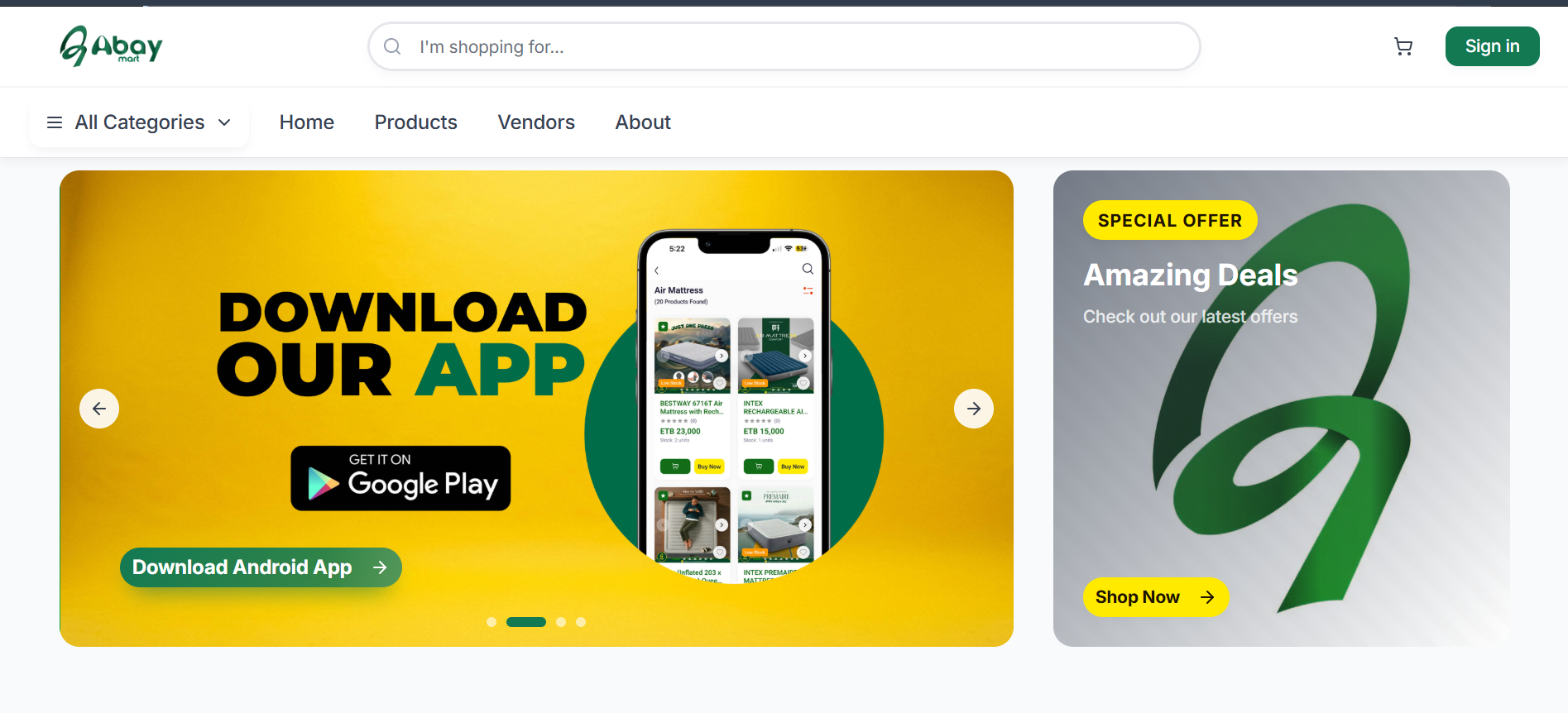
The Abay Mart homepage is the main starting point for shopping. The navigation area provides access to the main sections of the website:
- Home – Returns to the Abay Mart homepage.
- Products – Opens the product catalog where you can browse available products.
- Vendors – Lets you explore the vendors available on the platform.
- About – Provides information about Abay Mart.
- All Categories – Provides access to the available product categories.
- Sign in – Lets registered customers access their accounts.
- Cart – Opens the shopping cart and displays the products selected for purchase.
The search bar at the top of every page (“I’m shopping for…”) can also be used to look for products.
2.2 Promotional Sliders
The homepage displays promotional banners that highlight current offers, shopping opportunities, and Abay Mart applications. Use the left and right arrows or the dots below a banner to move between slides.
Depending on the banner displayed, you may be able to:
- Shop available products.
- View current deals.
- Download the Android application.
- Download the iOS application.
Select the relevant button on a banner (for example, Download Android App) to open the associated page or download location.
2.3 Special Offers
The Amazing Deals section (shown beside the banner on the homepage) highlights products or promotions currently presented as special offers. Select Shop Now to browse the products associated with the offer.
2.4 Product Categories
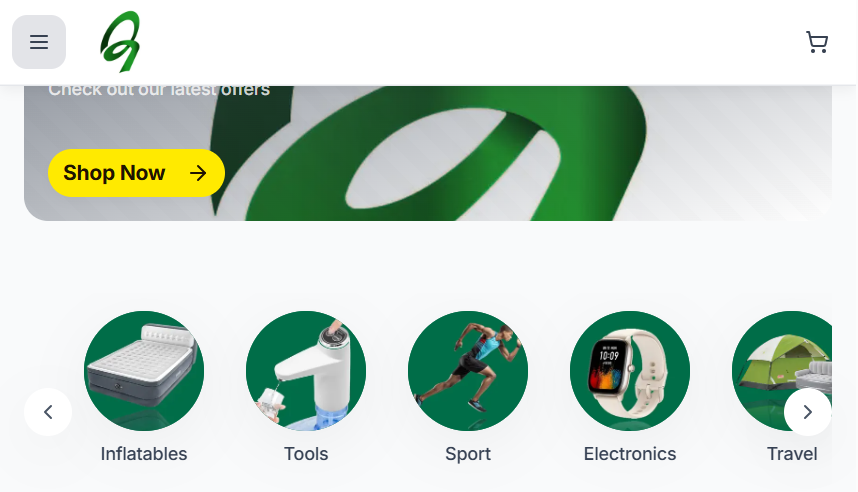
The homepage provides quick access to product categories. The categories displayed on the website include:
- Inflatables
- Tools
- Sport
- Electronics
- Travel
- Home Appliance
- Health and Beauty
- Kids
- Construction
To browse products within a category:
- Locate the Categories section on the homepage.
- Select the desired category.
- The website opens the product listing for that category.
- Browse the products available in the selected category.
On a narrow screen, use the arrows on either side of the category strip to see more categories. You can also open All Categories in the navigation menu.