Help Center & FAQ
AbayMart Website
9.1 Help Center
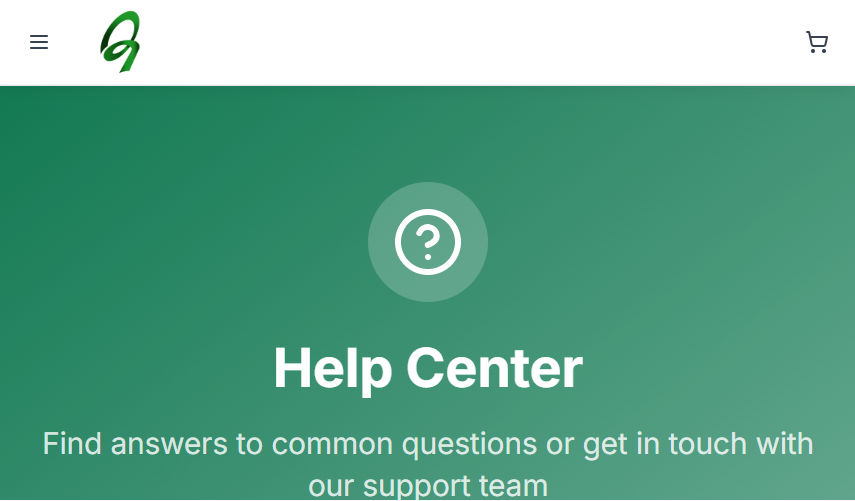
Abay Mart provides a Help Center, FAQ page, and Contact page to help you find information and get assistance. The Help Center provides quick access to:
- Contact Support
- FAQ
- Track Order
- Return Item
You can also browse help topics by category.
9.2 Help Categories
The Help Center organizes information into these categories:
- Shopping & Orders – How to place an order, Track your order, Cancel or modify orders, Order history, Payment methods.
- Shipping & Delivery – Shipping options, Delivery times, Track shipments, Shipping costs, International shipping.
- Payment & Billing – Payment methods, Refund policy, Billing issues, Promo codes, Gift cards.
- Returns & Refunds – Return policy, How to return items, Refund process, Exchange items, Return shipping.
- Account & Security – Account settings, Password reset, Privacy settings, Two-factor authentication, Account deletion.
- Vendor Services – Become a vendor, Vendor dashboard, Product management, Order fulfillment, Payment to vendors.
9.3 Contact Support
The Help Center provides a Still Need Help? section where you can contact the support team using the available email or phone support channels or the Contact Support button.
9.4 Contact Us Page
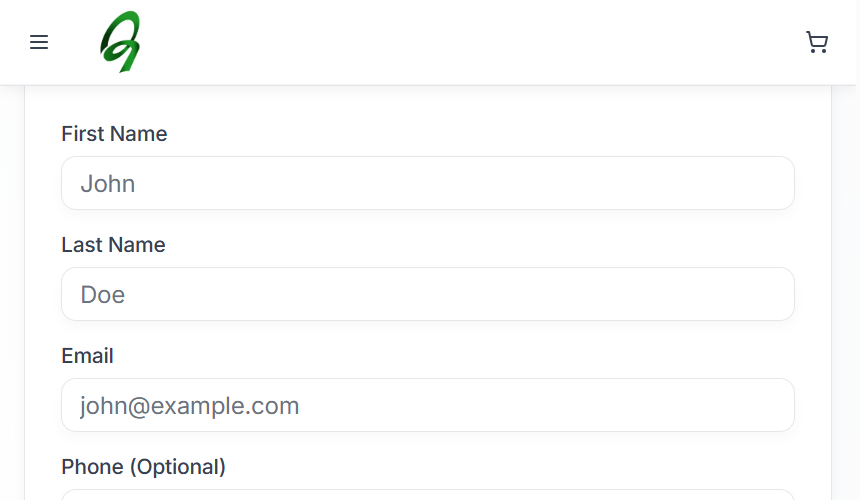
The Contact Us page provides contact options for orders, deliveries, account support, and business inquiries. It also provides contact information, business hours, physical addresses, email addresses, and a Send us a Message form (First Name, Last Name, Email, Phone (Optional), and your message).
Use the Contact Us page when you need assistance that cannot be resolved through the FAQ or Help Center. Never include your password or payment details in a message.
9.5 Frequently Asked Questions
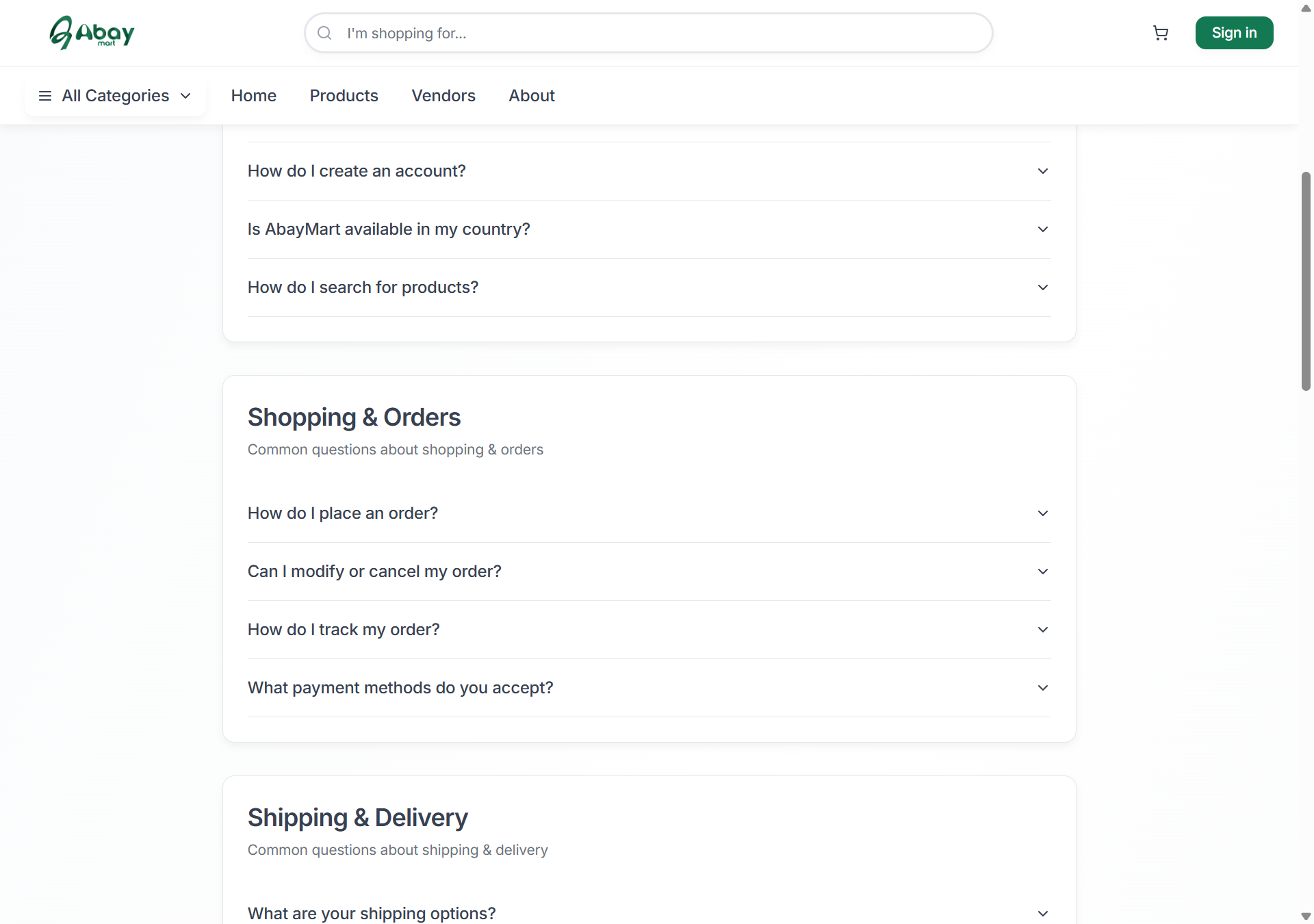
The FAQ page provides answers to common questions about Abay Mart, organized into:
- General
- Shopping & Orders
- Shipping & Delivery
- Returns & Refunds
- Account & Security
- Vendor Services
Select a question to expand its answer. Use the FAQ page as a first point of reference before contacting support.
9.6 When to Contact Support
Contact support when:
- You cannot resolve an account or login problem.
- You have an issue with an order.
- You need assistance with delivery.
- You have a return or refund issue.
- You have a question that is not answered in the FAQ or Help Center.