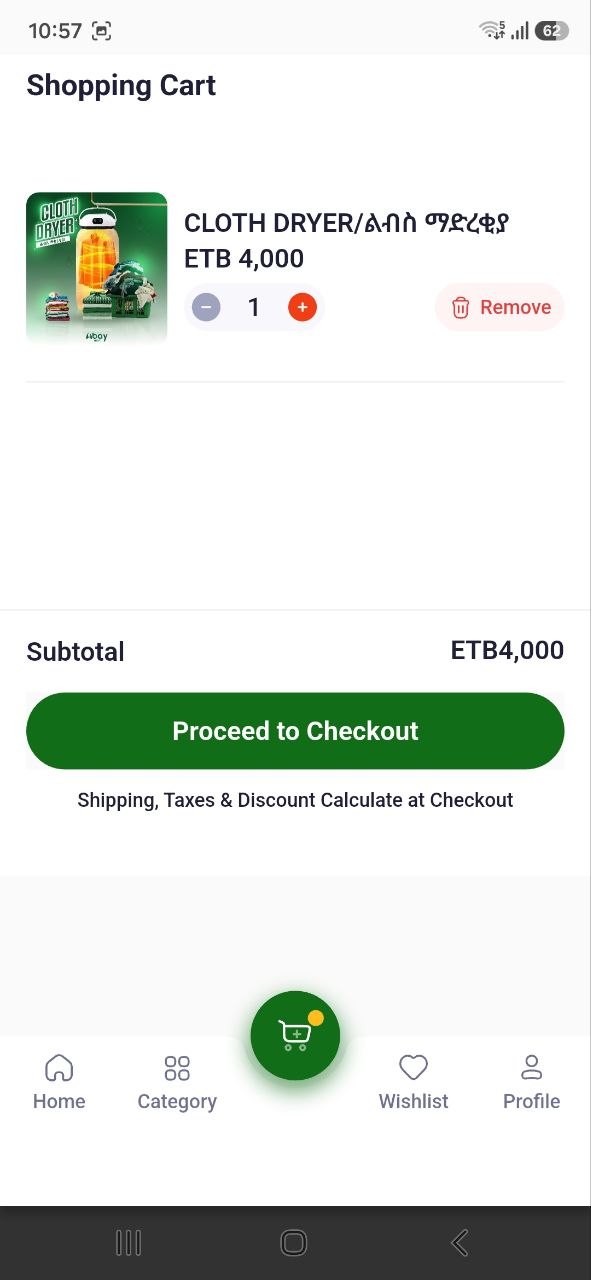
Shopping Cart
AbayMart Application
6.2 Reviewing Cart Items
Open Cart from the bottom navigation. Compare each item’s image/name, selected option (if applicable), unit price, quantity, and item amount with what you intended to buy. Update or remove items using the controls shown, then verify the cart recalculates. If an item is missing, return to its product page and check whether it was added successfully.
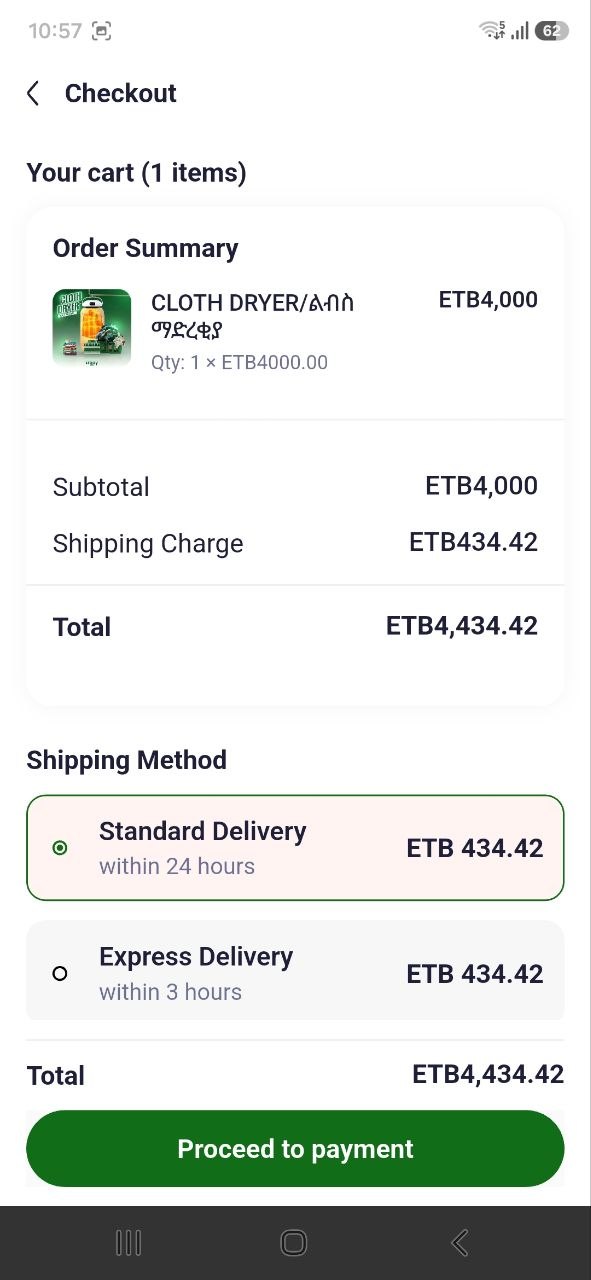
6.5 Order Summary
Review the subtotal and any estimated total shown in Cart. These may not include all delivery or payment charges until later checkout screens. Check the final order amount again before confirming. The exact labels can vary; rely on the total shown by the installed app at the final review step.