Orders
AbayMart Application
8.1–8.2 Viewing Orders
- Open Profile, then Orders as described in the current app navigation. Sign in if requested.
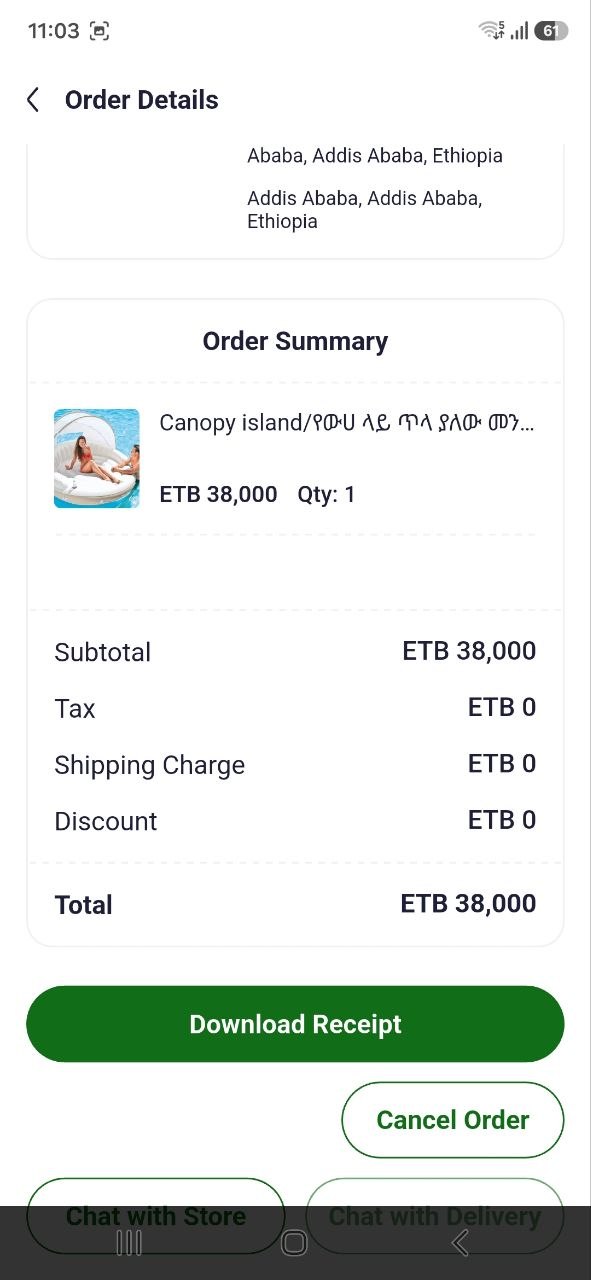
- Find the relevant order by its date or reference and tap it to see available details such as products, quantities, amount, fulfillment information, and status.
- Use the status and any official tracking details shown to follow progress. If an expected order is absent, confirm you are in the correct account and contact support with the order reference if available.
Do not post order references or personal address details publicly. Related: Checkout & Order Process; Help & Support.