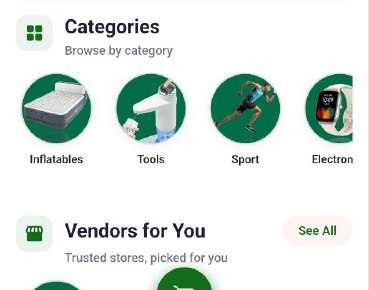
Home Screen
AbayMart Application
3.2 Main Navigation
The documented app layout places Home, Category, Cart, Wishlist, and Profile in the bottom navigation. Tap a destination once and wait for it to load. If the installed version uses a different layout, follow the visible labels rather than this older placement. Sign-in may be required for personal features.
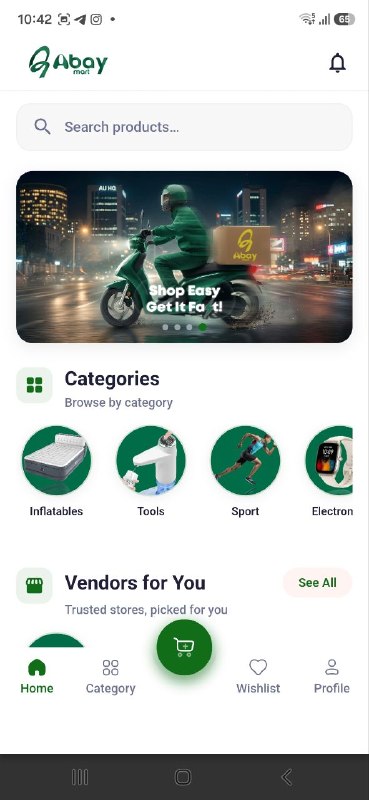
3.4 Promotional Banners
Swipe horizontally across a home banner to view adjacent promotions. Read the offer and any terms displayed before tapping its call-to-action. Banners and destinations are time-sensitive and may differ by release.
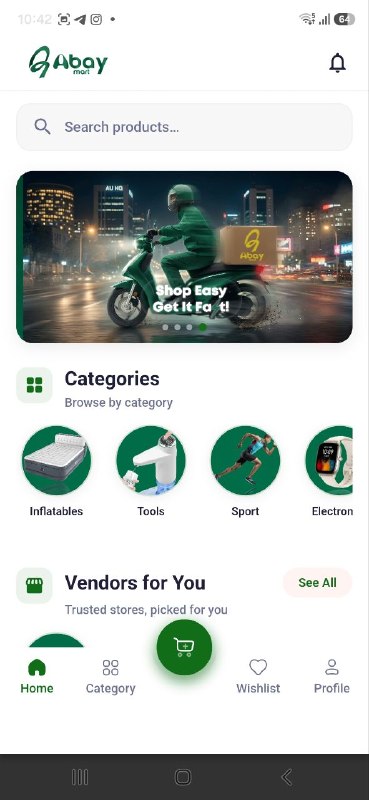
3.5 Product Sections
Scroll the Home screen to review the product sections presented, which may include Top Categories, Latest Products, and Featured Stores/Brands. Select a category, product, or store card to open its details. Availability and ordering of sections can change.