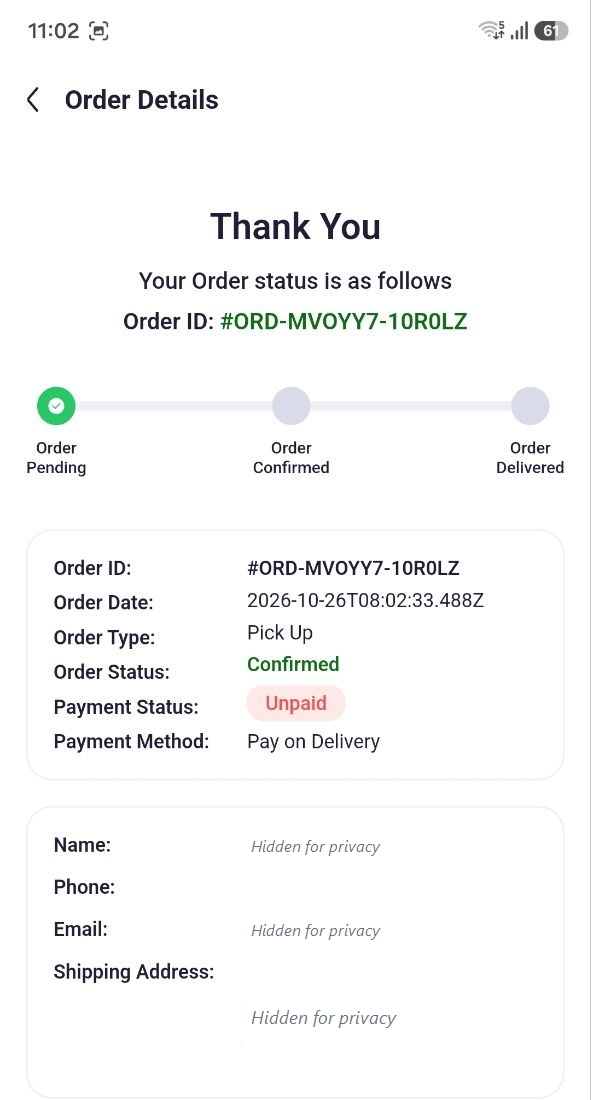
Checkout & Order Process
AbayMart Application
7.2 Pickup or Delivery
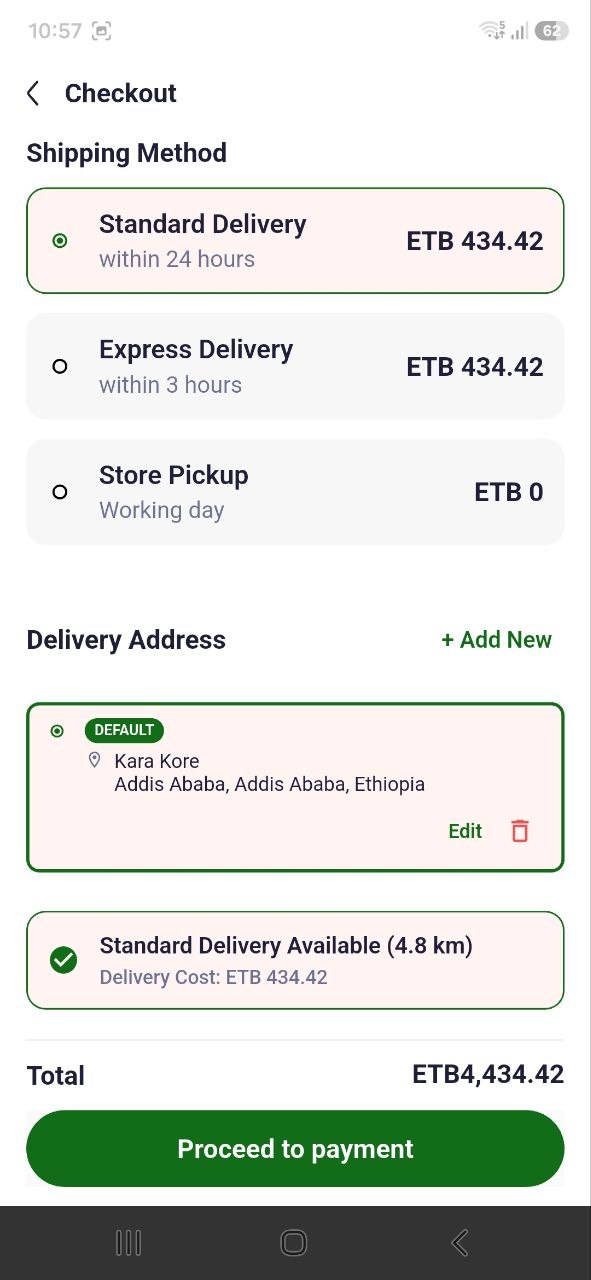
During checkout, review the fulfillment choices the app actually offers. Select a pickup or delivery option only if it is available for this order and location. For delivery, provide details requested by the app; for pickup, review the location and collection instructions. Recheck the selected option and charges before proceeding. Current eligibility rules and screen order are not independently verified.
7.5 Payment Method
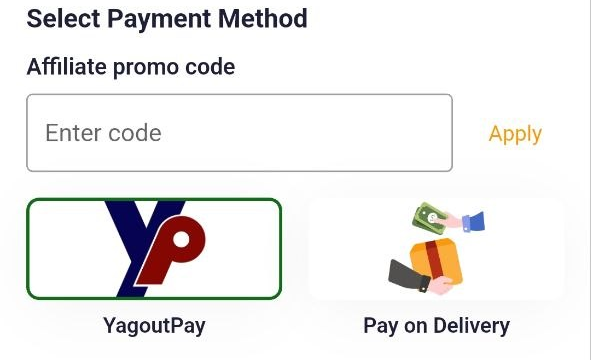
At checkout, choose only from payment methods displayed by the current app for your order. Review any displayed instructions and amount before continuing; never enter payment credentials on an unrelated page. Available payment providers can vary by location and release and are not listed here as a fixed set. If a payment fails, check the app’s status before retrying to avoid duplicate attempts, then contact support if needed.
7.7 Confirming the Order
- At the final review, verify each product, quantity, delivery/pickup information, and the complete amount.
- If everything is correct, use the confirmation action actually shown by the app (the existing guide describes Place Order / Confirm Order).
- Wait for a confirmation screen or order reference; do not tap repeatedly while the request is processing.
- Open Profile → Orders if available and confirm the order appears with a status. If no confirmation is visible, check Orders or contact support before attempting the purchase again.
Related: Orders; Troubleshooting.