Browsing & Finding Products
AbayMart Application
4.1 Browsing Categories
- Open Category from the bottom navigation if it is shown.
- Choose a category and, when offered, a subcategory.
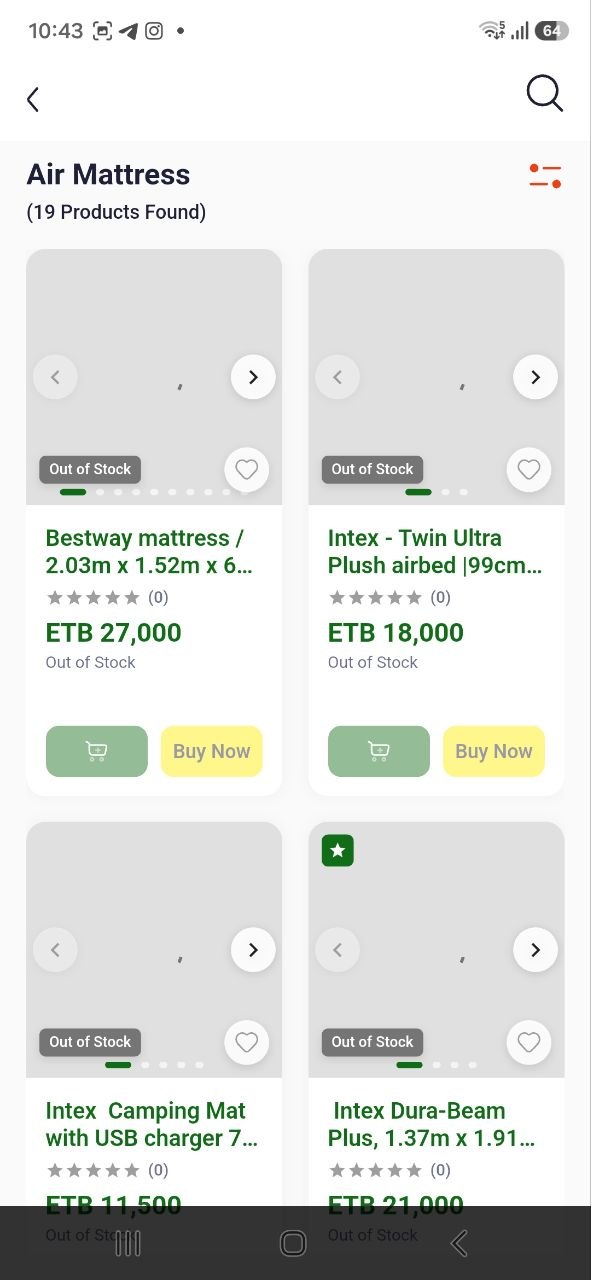
- Browse the resulting product cards and open a product to read its current price, availability, and details. Use the app’s back control to return to the list.
If a category has no products, return and try another category or browse Home.
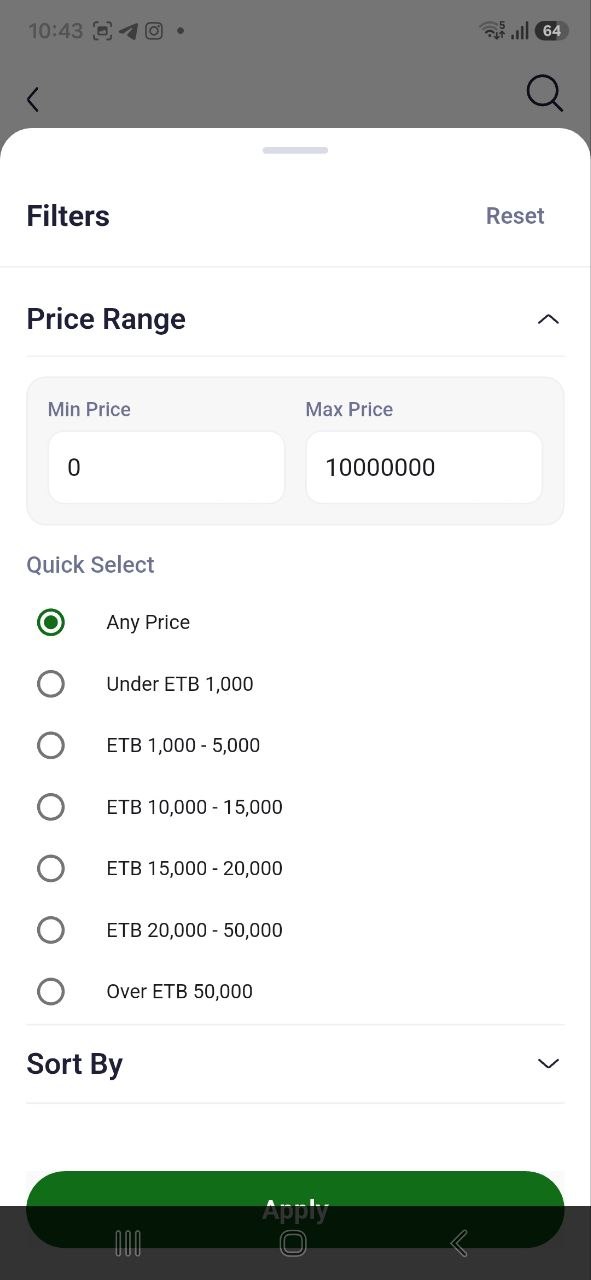
4.3 Applying Filters
When a product list displays a Filter control, open it and use only the filter fields shown in the installed version. Select desired values and apply them with the on-screen action; inspect the updated list. Clear or reset filters if no products match. Category, brand, and price are present in the existing guide, but verify each is available in the current app before following.