Affiliate Dashboard
Affiliate User Guide
2.4 Understanding the Affiliate Dashboard
After approval, the Affiliate Dashboard provides the main tools for managing your affiliate activity. On the website, the affiliate section is found under Profile › Affiliate (/affiliate).
- Status & Tier – Shows your current tier and account standing.
- Promo Code Management – Displays your active promotional code.
- Financial Balances – Shows Pending, Cleared, Paid, On Hold, and Total Available balances.
- Commission Ledger – Shows attributed orders, commission amounts, and statuses.
- Referral Link Generator & Analytics – Creates tracking links and shows click activity.
- Payout Profile – Lets you review or update payment information.
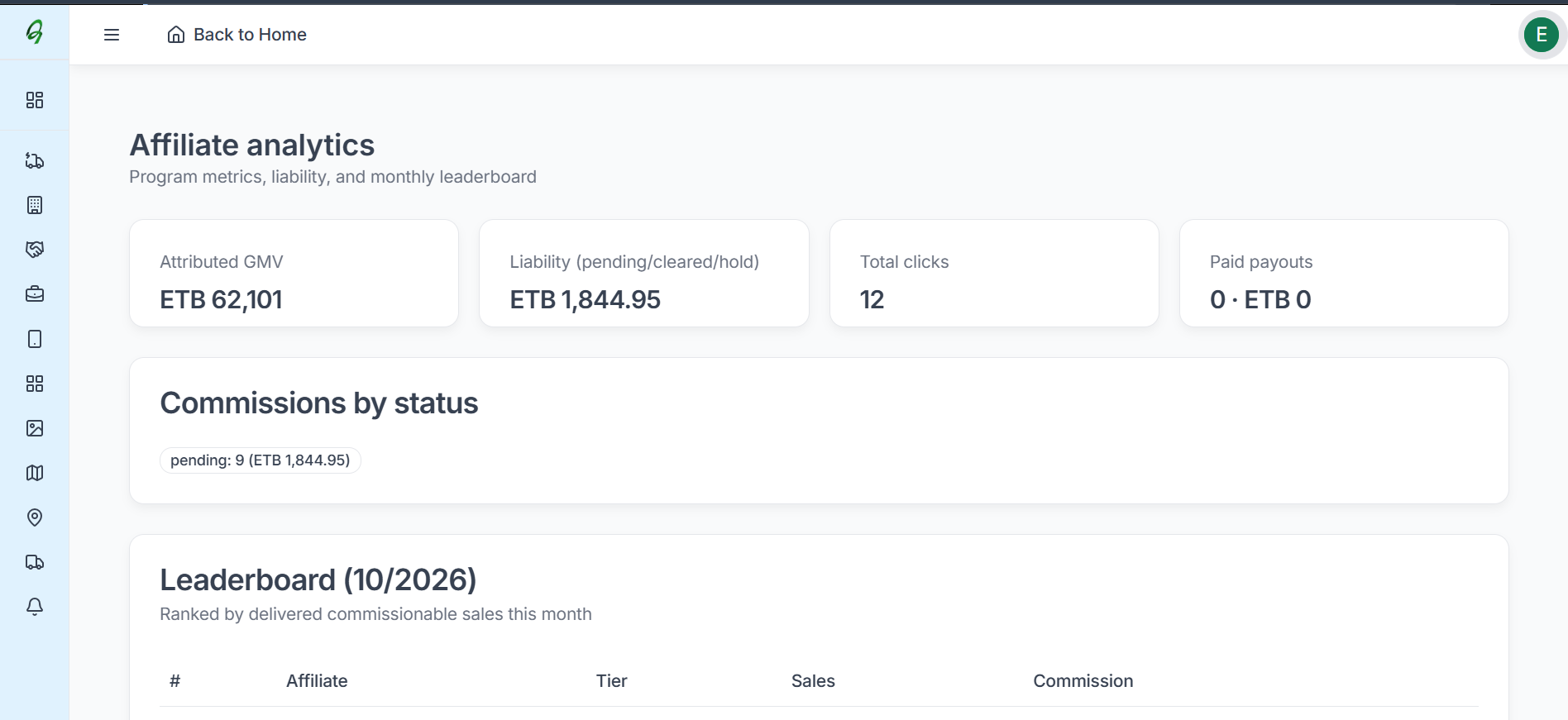
- Leaderboard – Shows your monthly sales rank.
- Promo Materials – Access the images, videos, and promotional text supplied by Abay Mart.
Security: Changing the Account Holder Name in the Payout Profile resets the verification status and requires another KYC review.
3.1 & 3.3 Mobile Affiliate Dashboard
In the mobile app, open the Profile tab and select Affiliate Program. The mobile dashboard provides:
- Codes & Balances – View promo codes, pending balances, cleared funds, and payout history.
- Links – Generate storewide or product referral links and share them from the mobile device.
- Analytics – Review click activity and attributed order conversions.
- Promo Materials – Access approved banners, product images, and promotional copy.
- Payout Profile – Review or update payment-channel information.